
2021
Modernizing Workforce Management Applications
I worked alongside 4 team members to lead modernizing a legacy Microsoft Access tool into a scalable enterprise workforce management application—reducing training burden for 27 managers, increasing assessment efficiency for 452 claim specialists across two UNUM US based offices, and establishing a reusable design pattern for future applications.
The impact: less friction; no more crashes from simultaneous and multi-user use; and more time to focus on learning and development.
Business Context
What’s At Stake
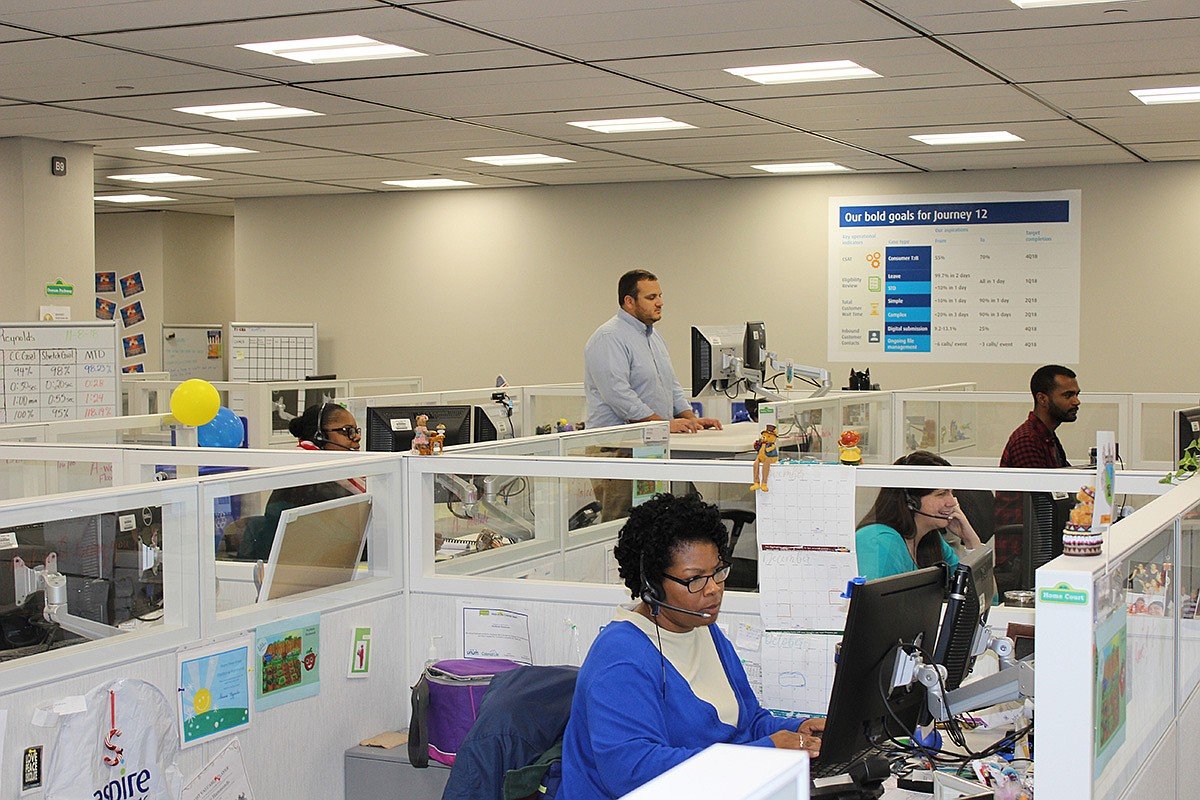
UNUM provides income-protection benefits to over 45 million employees worldwide. Within the Customer Benefits Support (CBS) organization, claims specialists handle complex, time-sensitive claims that directly impact a customer’s financial stability during critical life events.
To safeguard accuracy, quality, and compliance across these workflows, CBS auditors perform detailed reviews of claims and also support learning and development teams that coach 450+ claims specialists across the Chattanooga and Portland offices.
For years, this critical function relied on a legacy Microsoft Access audit tool that had become increasingly fragile, outdated, and difficult to scale. As audit volume grew and coaching expectations became more sophisticated, the system could no longer meet the operational demands of the business — creating compliance risk, training inefficiency, and workflow friction for auditors and managers alike.

How We’ll Measure Success
Success Indicators
Modernizing the Technology and Design Pattern
The new audit application needed to replace the fragile legacy tool, support hundreds of concurrent users, and establish a scalable pattern that future workforce applications could adopt.
Improve The Experience For Two Main Users
Reduce the time, friction, and cognitive load involved in creating audits to self-assess, scoring claims, and easy for an employee to load the assessment and review their scores to review with their manager.
My Focus
Design Responsibilities
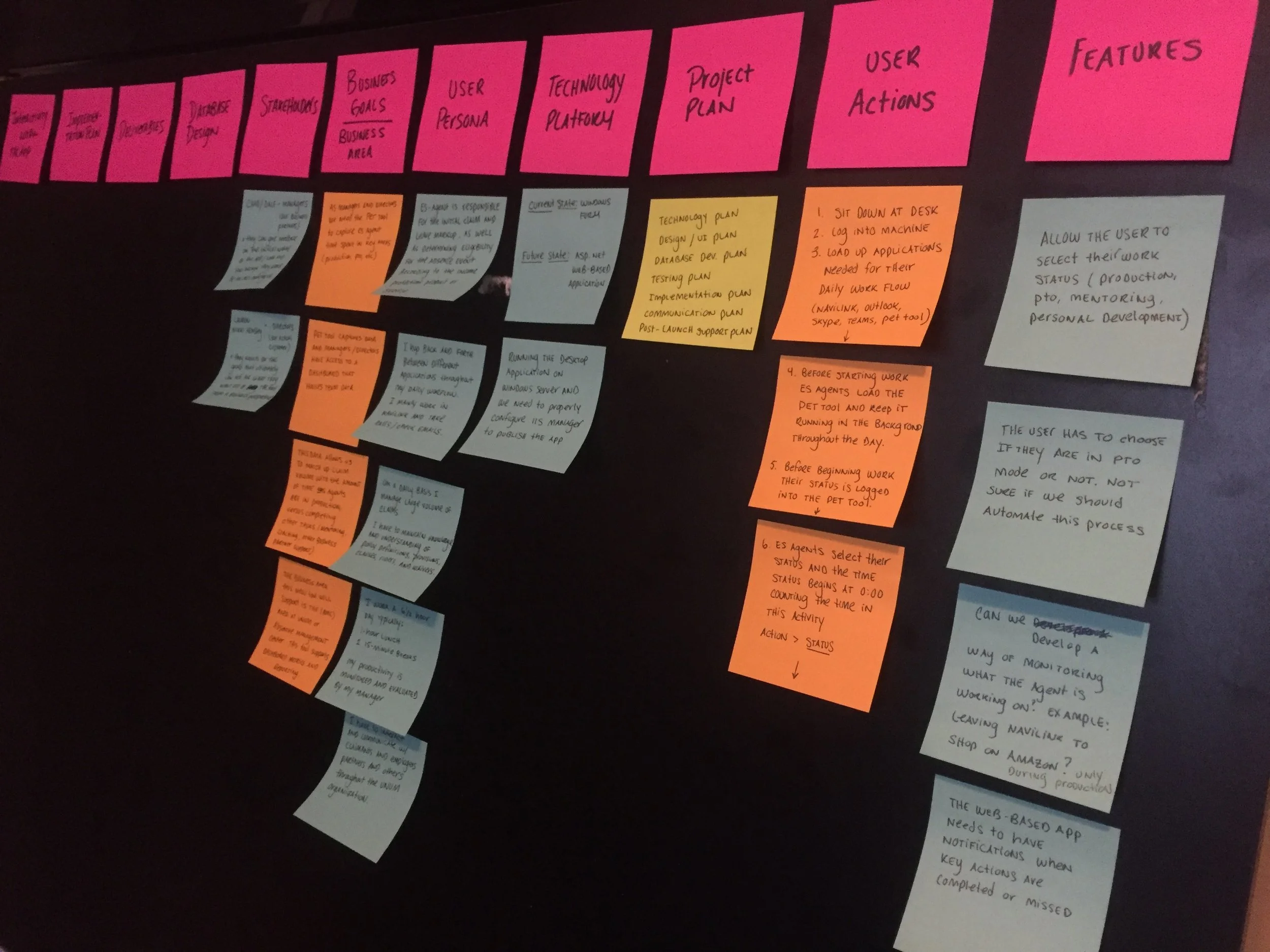
As both designer/front-end developer I collaborated with 2 SQL Engineers, 1 backend developer, and 1 data analysts to:
Improve the jobs-to-be done experience by focusing on redesigning the user experience of three main tasks: creating audits, reassigning audits, or searching for a completed audit. The primary rollout focused on improving how auditors create audits for new hires, enabling them to build more effective learning and development plans.
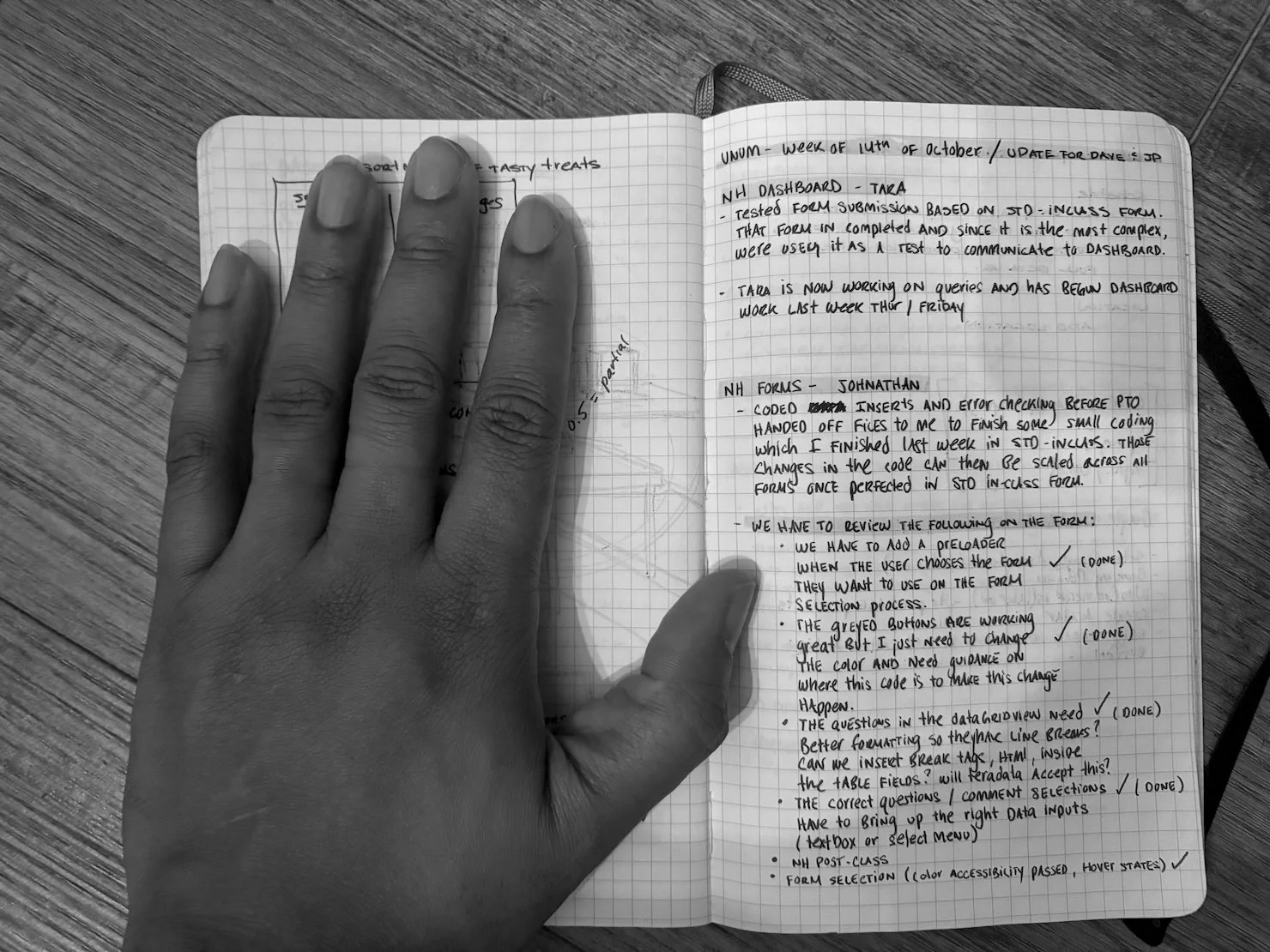
Tasked to wear two hats to own both the experience and front-end development, translating the approved high-fidelity designs into Microsoft-aligned UI components. This meant having to learn .NET and .NetCore, Microsoft frameworks for building Windows applications.
Supported change management by creating PDF user guides for the new application and developer documentation to help the team maintain and extend the project.
The Bumps In The Road
Challenges
There was no existing design system as internal audit applications had historically bypassed UNUM’s enterprise brand system, leading to inconsistent UI across workforce applications.
Lots of tech restrictions and design trade offs in order to work around “can’t dos” and “maybes” and come up with solutions with stakeholders that were feasible.
Handling a lot of ambiguity required investing in self-learning, asking targeted questions, and iterating until full clarity emerged.

Make It Look UNUM
Designing Without A System
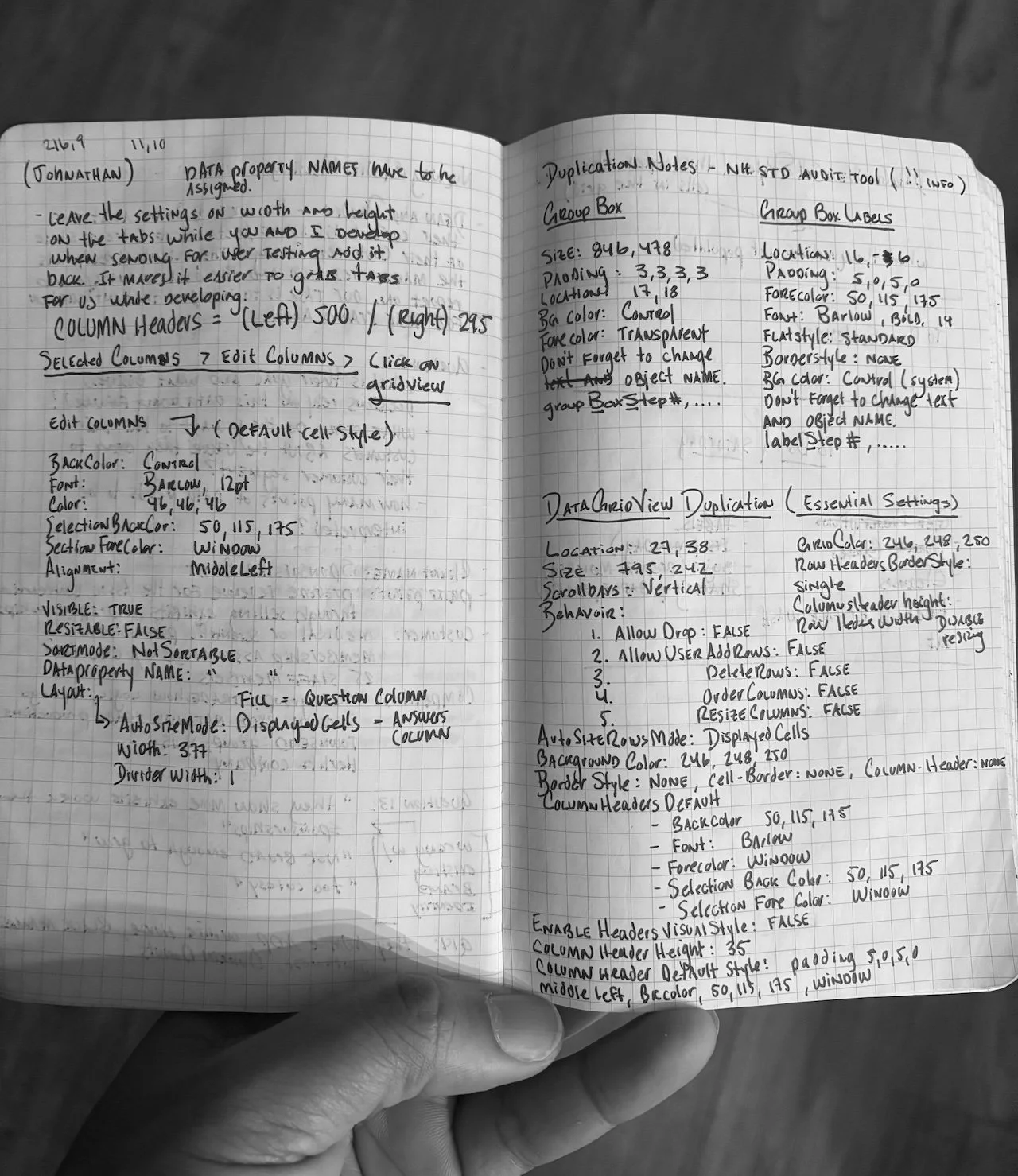
Workforce applications at UNUM had historically been built ad-hoc for Microsoft environments, so the org had never adopted UNUM’s style guide for internal tools.
Rather than treat this as a blocker, I partnered with UNUM’s Director of Design to:
Define a reusable component set for forms, tables, and scoring interactions, that could be applied to future audit tools.
Ensure the new audit experience felt like a first-class enterprise application, not a one-off internal utility.
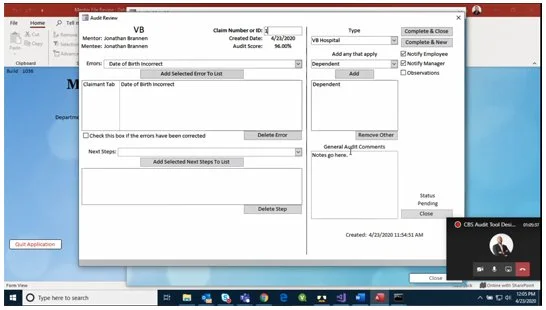
FROM > TO

Final Designs for MPV 1

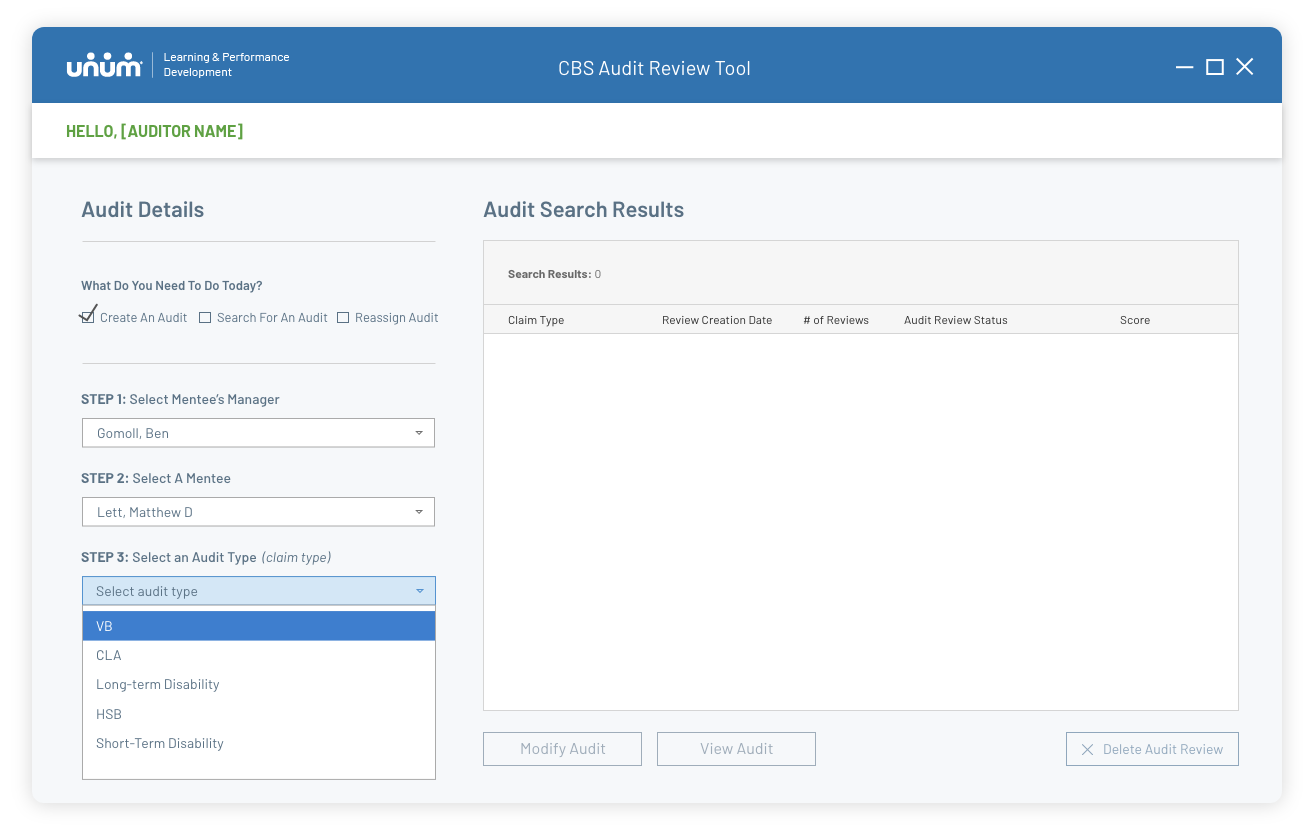
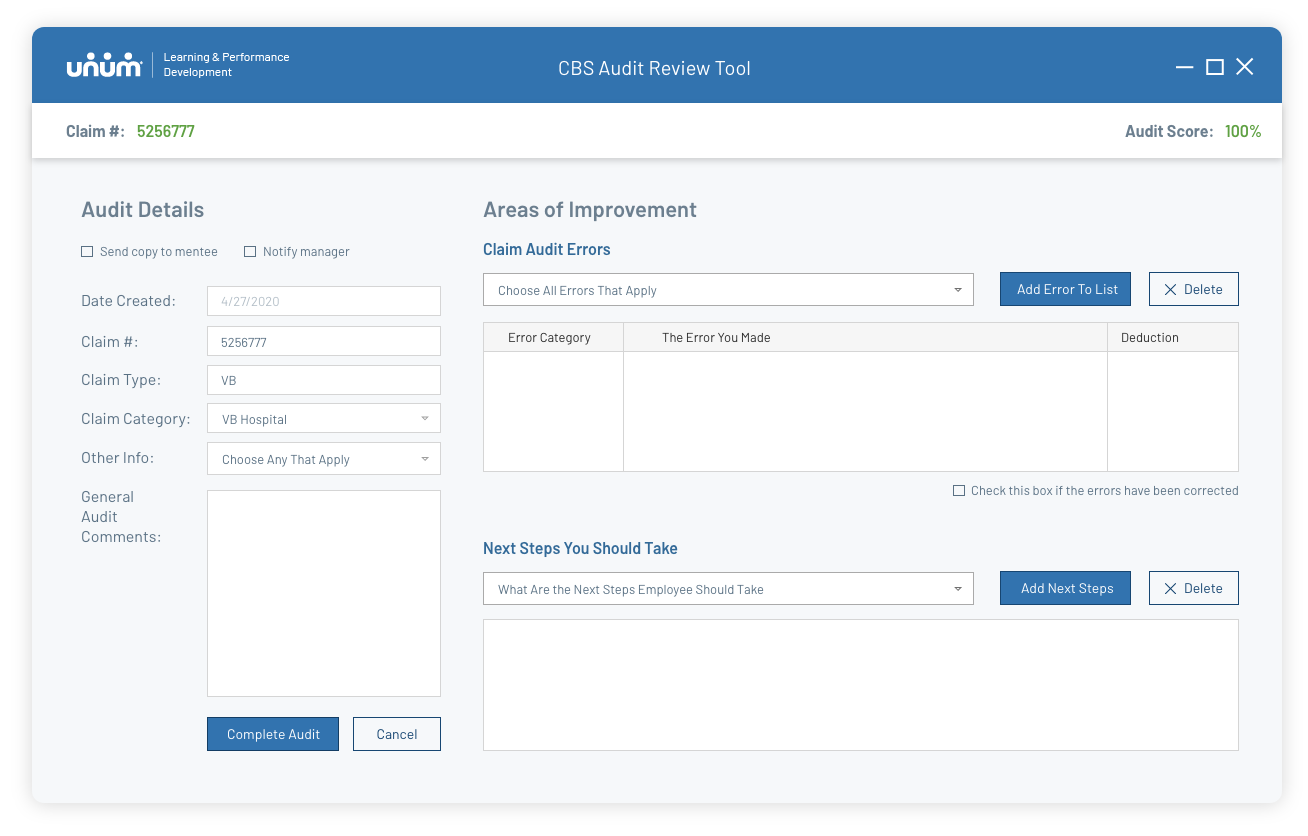
A New “Create An Audit” Experience
To support auditors’ workflows, I organized the layout into two clear zones: the left side anchors all fixed claim and audit details, while the right side focuses on Areas of Improvement—where errors, deductions, and coaching notes are added in real time.
Working within native Windows component created a lot of “less that ideal” design decisions. Some UI components had to stay within proximity to others to allow for the business logic to work successfully. I had to use Microsoft system-standard drop downs, data tables, and input fields, customizing them using code.
Scoring
This is the core of the jobs to be done. When an auditor selects an error from the department-specific code, the tool automatically applies the appropriate deduction and recalculates the trainee’s audit score in real time. The redesign replaces a brittle manual process with a structured, rules-driven system that ensures consistent scoring across departments.
Because the application framework was built to be durable and extensible, the errors dynamically adjusts to the claim type, allowing additional claim areas to onboard into the tool without requiring custom screens or one-off logic. This approach standardized the way UNUM evaluates quality and accuracy across its claims operations.

MPV 2 Additions


Claim Departments
By delivering a well-structured MVP for the CBS Audit application, I created a foundational design framework that other claim departments could adopt and extend, accelerating their ability to build consistent assessment experiences.
Preloader
Users previously reported that the app opened with no visual feedback, making it unclear whether it was loading or had crashed. I introduced a simple pre-loader to confirm the app is starting and give the experience a more polished, enterprise-level feel.

Reflections
When I think back to this project, I remember how out of place I felt at first. I came into UNUM with a visual design background, with a lot of heart, and not much experience navigating enterprise software — and I had three months to reimagine it.
It was the first time I felt the weight of for people’s livelihoods. I was shaping the workflows of auditors who protected customers at some of the hardest moments in their lives.
That responsibility changed me.
I learned how to sit in ambiguity, how to partner with engineers who spoke a different language, how to translate messy operational processes into something that felt clear and humane. And in the middle of that pressure, something clicked: I wasn’t here to give the organization a pretty interface. I was here to give them confidence, clarity, and a stable foundation they could build on long after my project ended.
This project was a turning point. It affirmed my strength in platform thinking and scalable design patterns—capabilities that directly positioned me to step into a role on Intuit’s platform team.
If you’d like to discuss this project email me [at] mlett@iammatthewlett.com